
Size limit Pro
Down to the KB.
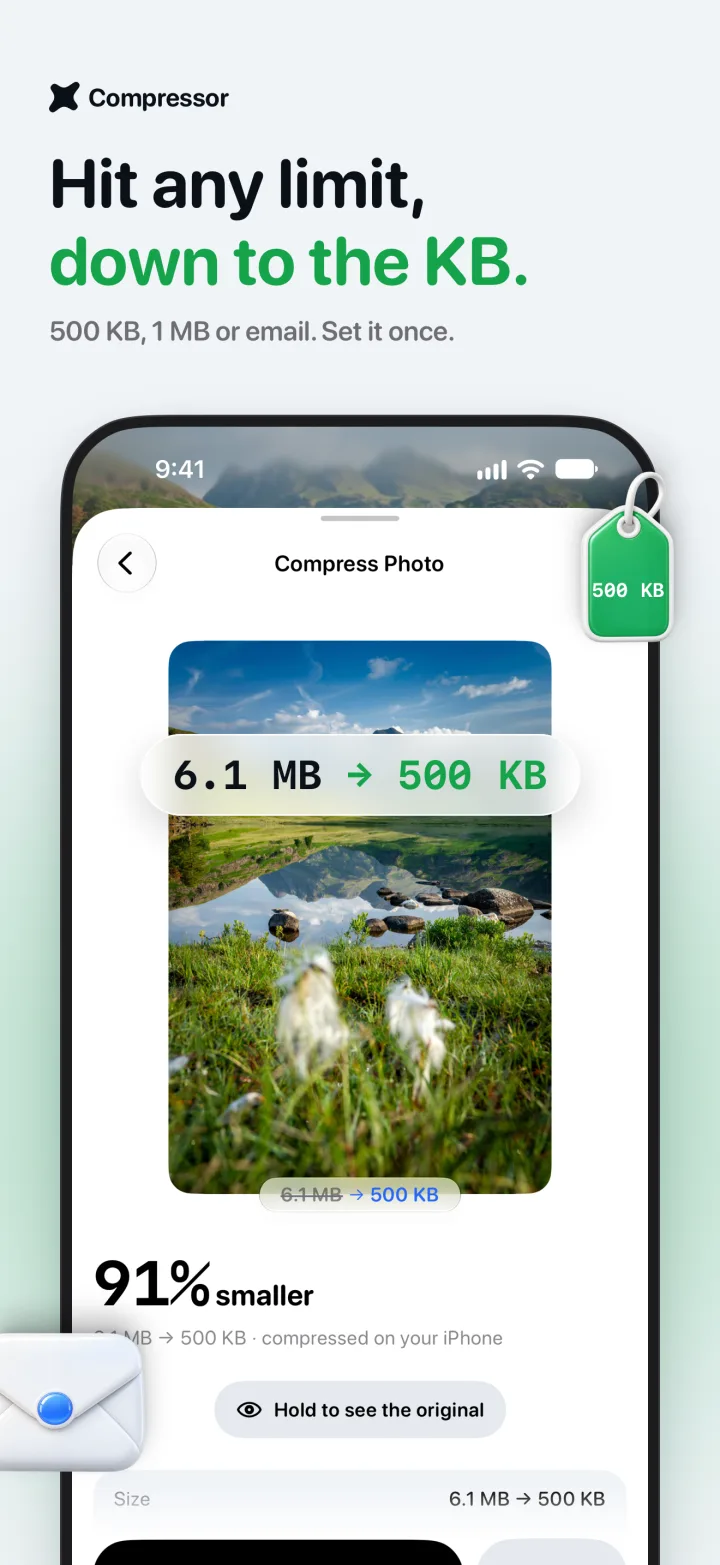
A form wants under 500 KB? An email won’t send? Pick the limit and Compressor keeps the best quality that fits.
- 500 KB
- 1 MB
- 2 MB
- Discord
6.1 MB → 500 KB
Image · Video · PDF compressor for iPhone and iPad
Compressor shrinks photos, videos and PDFs right on your iPhone. Pick a file, tap Compress, and get back gigabytes without losing the look.
Look closer
70%
1.7 MB → 509 KB
smaller, with Smart quality
One is the photo straight from an iPhone. The other is what Compressor saved. Drag across it to compare.

 Original · 1.7 MB Compressor · 509 KB
And for video
89%
484.3 MB → 51.2 MB
smaller, still 4K
Compressed with the app's default settings. So the page loads quickly, both play here as identical 8-second web copies; the sizes above are the real files. Footage by Luca Musella on Pexels.
One app, three kinds of file
Pick a file, and the defaults already do the right thing. The options are there when you want them.
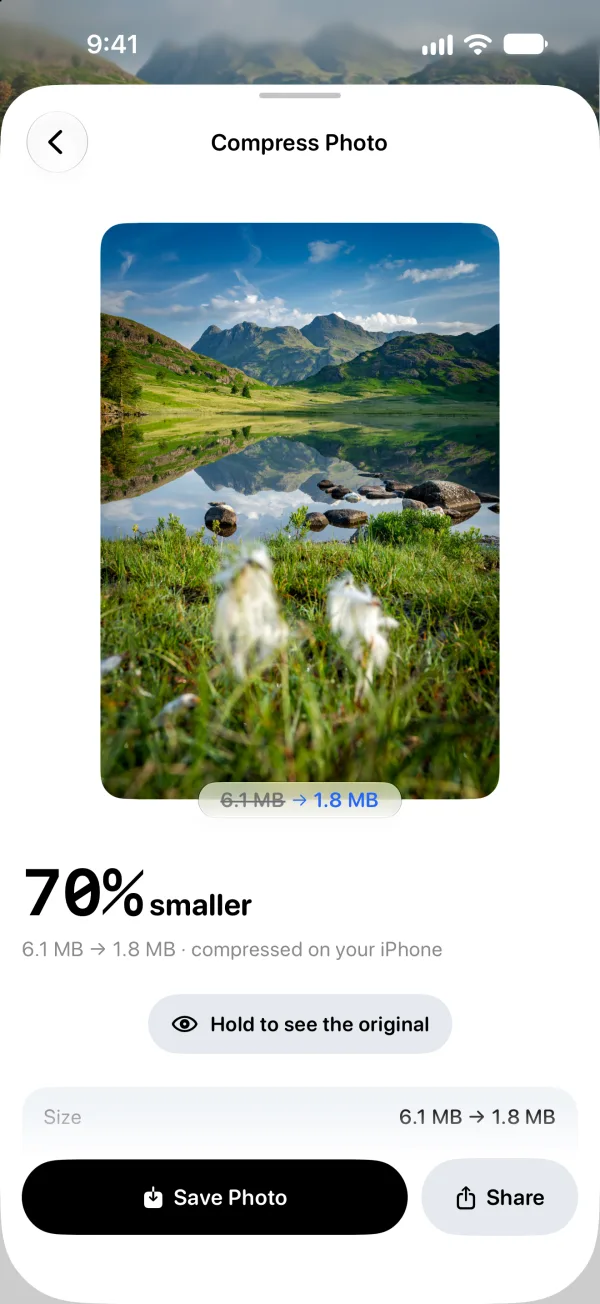
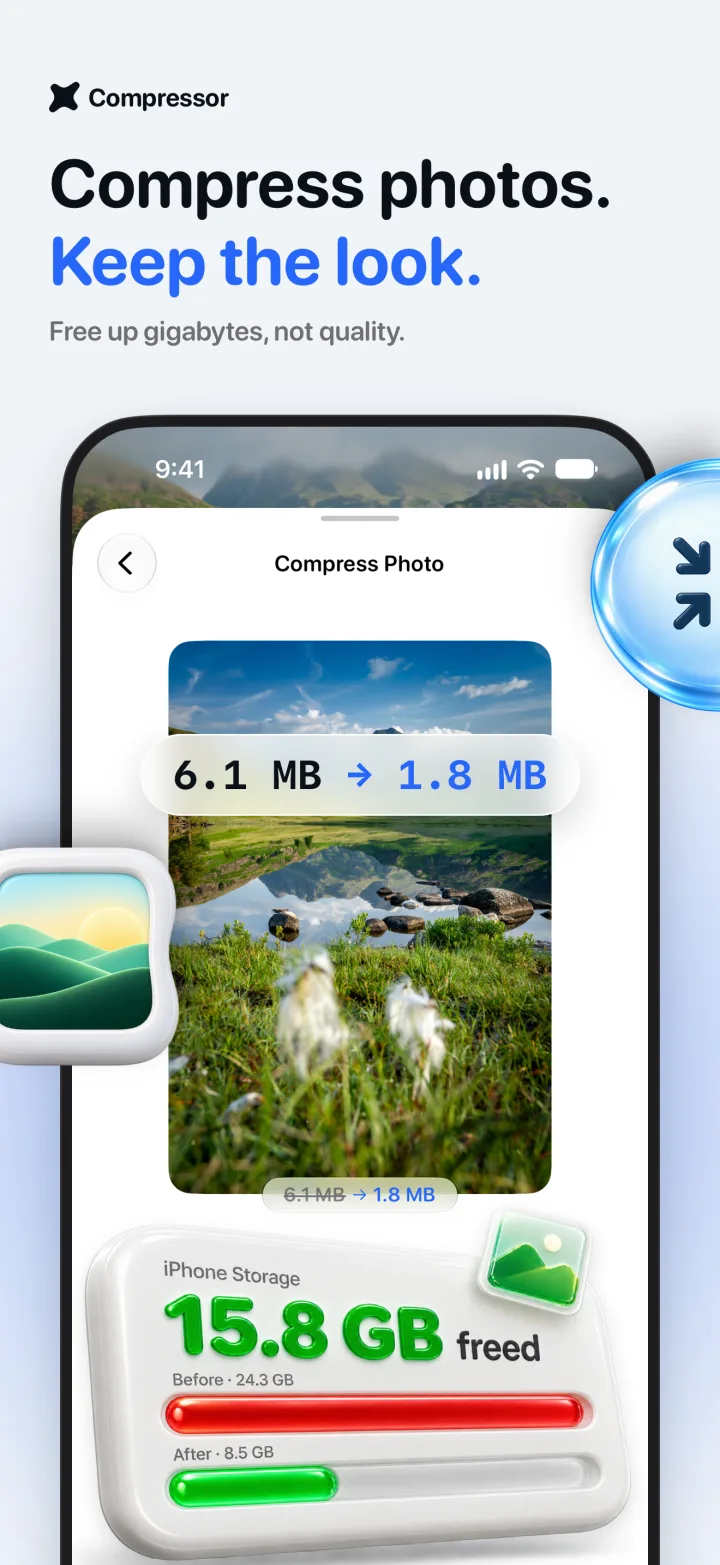
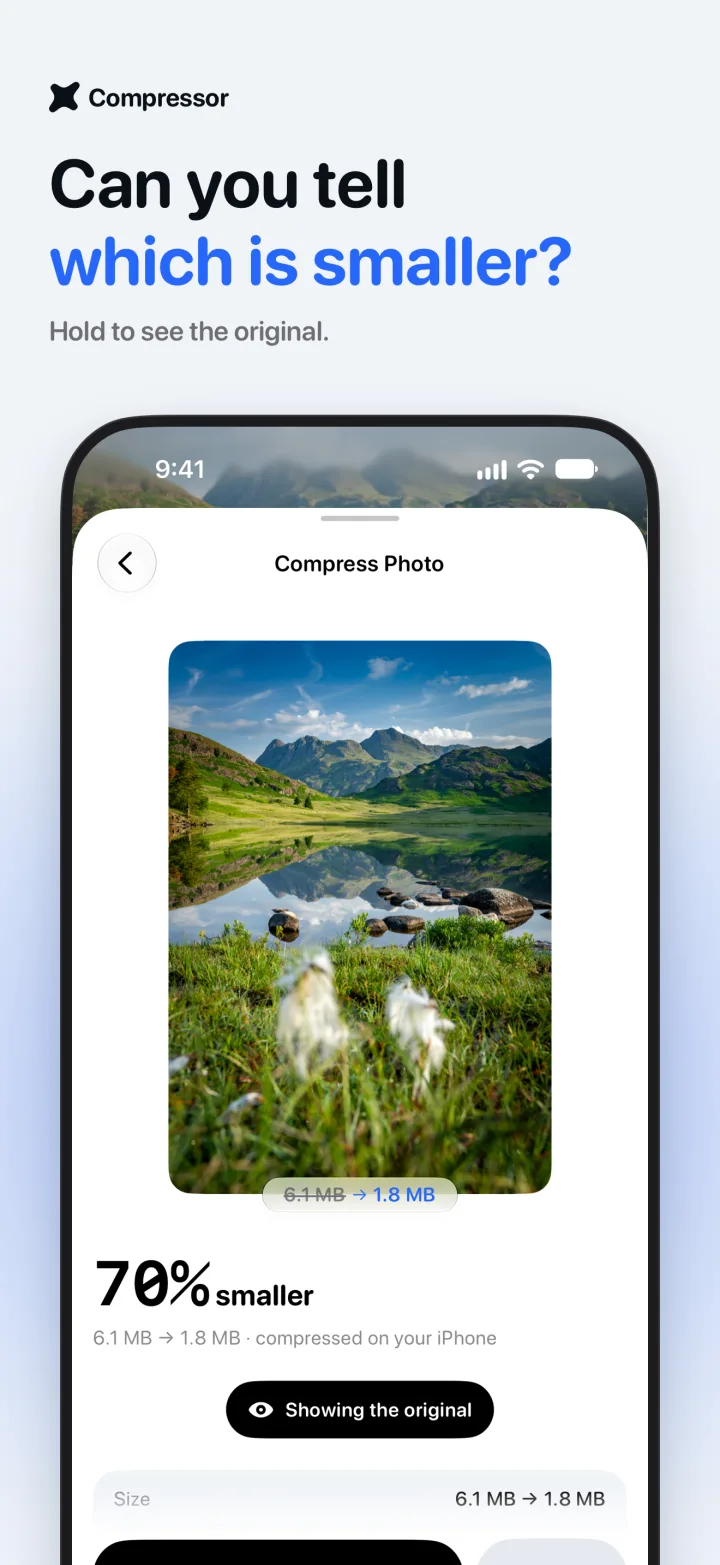
JPEG, HEIC and PNG. Smart quality picks the setting for you, or set it yourself.
6.1 MB → 1.8 MB
70% smaller · Free, one at a time

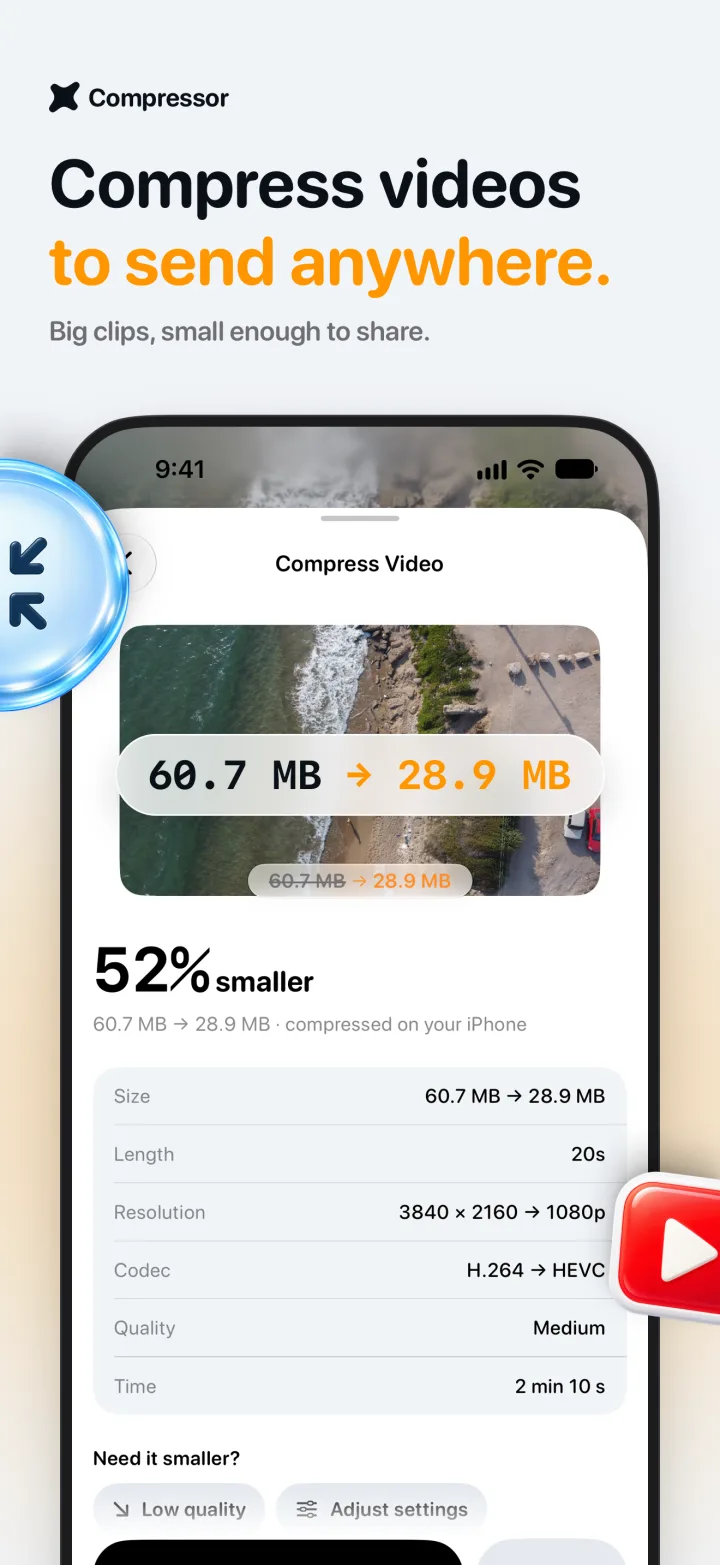
Turn a 4K clip into a 1080p HEVC file you can actually send.
60.7 MB → 28.9 MB
52% smaller · Your first one is free
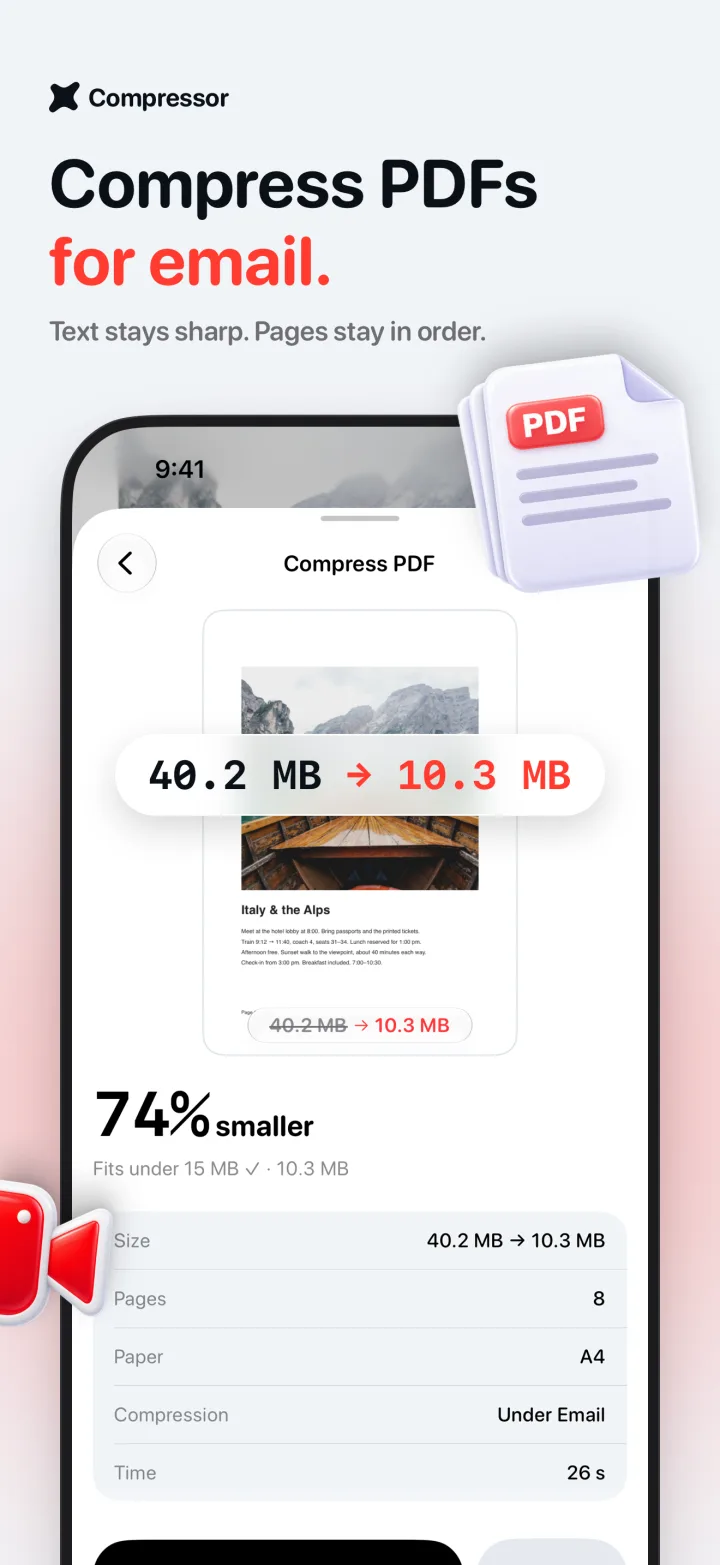
Shrink scans and photo-heavy documents under an email limit.
40.2 MB → 10.3 MB
74% smaller · Your first one is free
When you need more
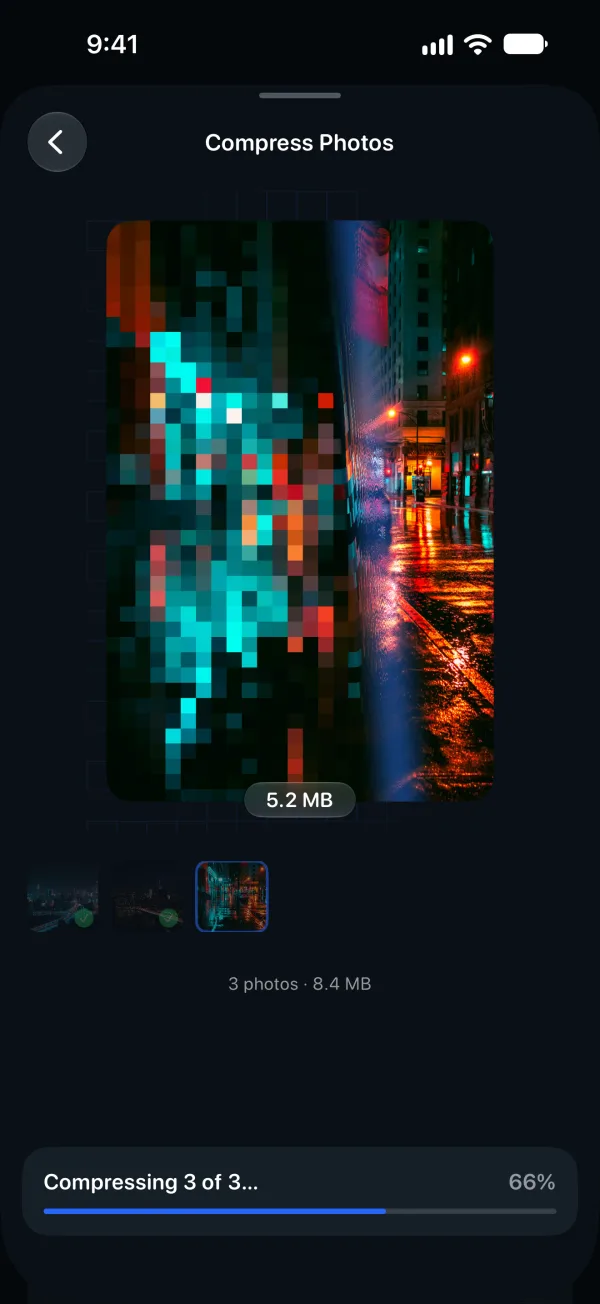
Size limit Pro
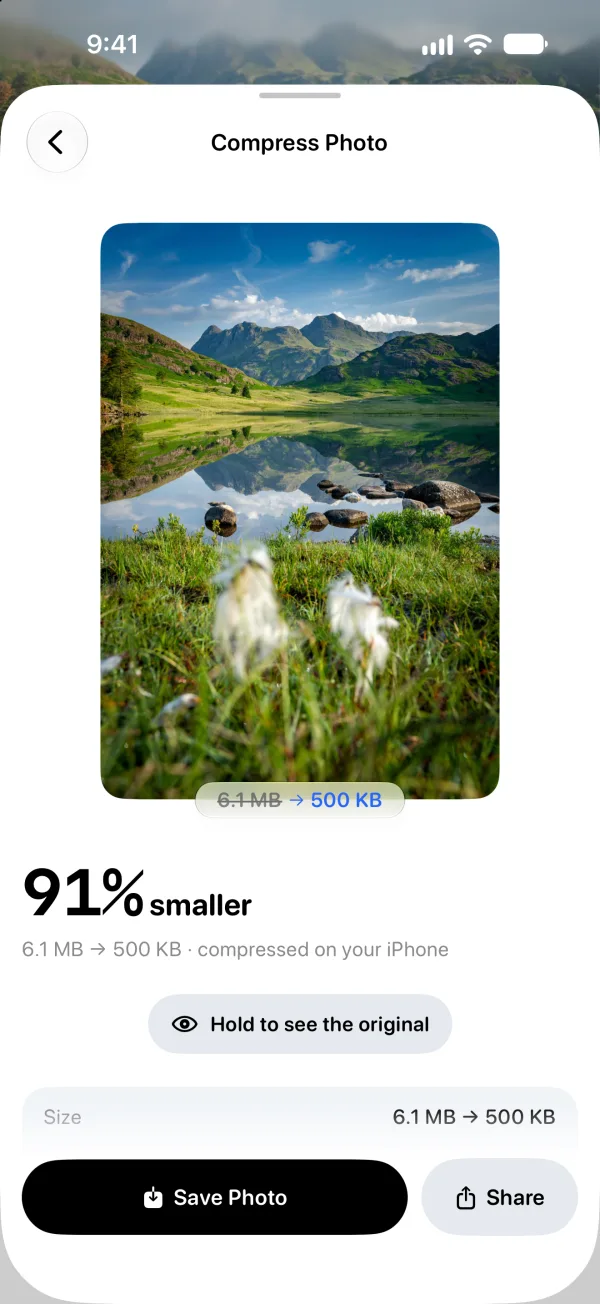
A form wants under 500 KB? An email won’t send? Pick the limit and Compressor keeps the best quality that fits.
6.1 MB → 500 KB
Batch Pro
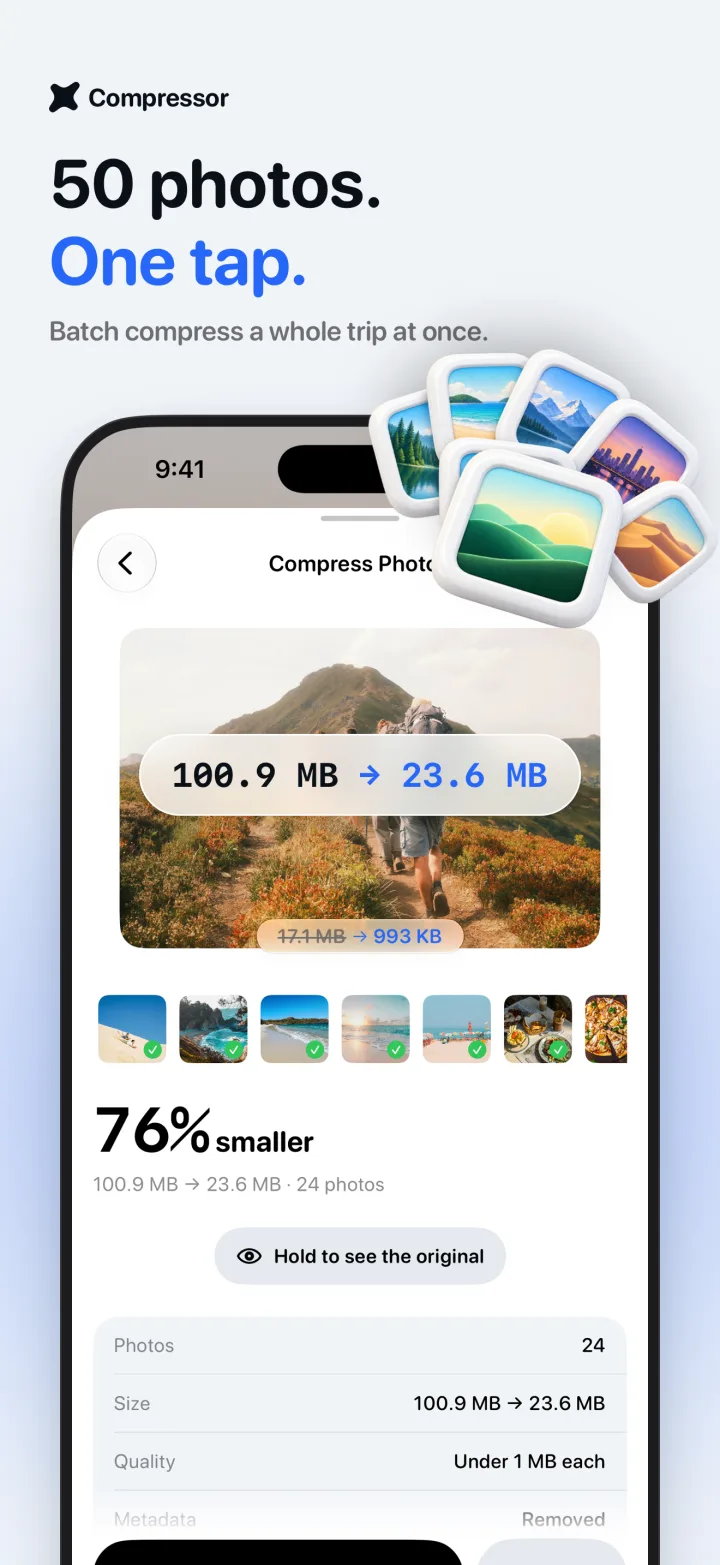
Pick a whole trip and compress every photo in one go. Same settings for all, one tap to save them back.
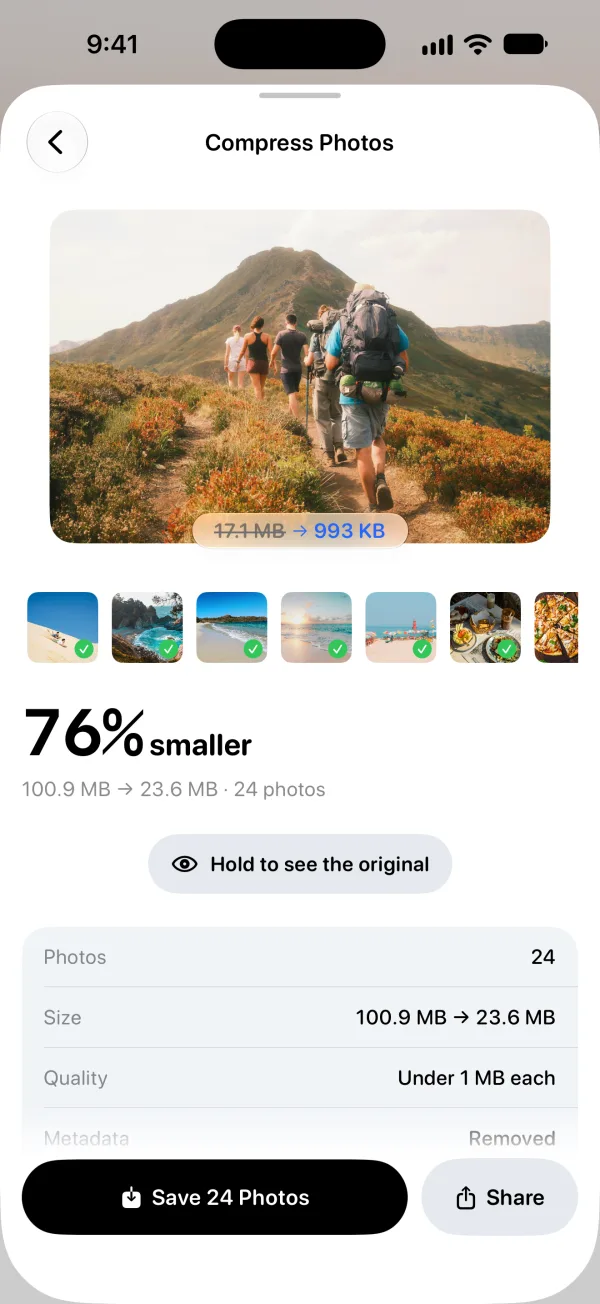
100.9 MB → 23.6 MB
Convert
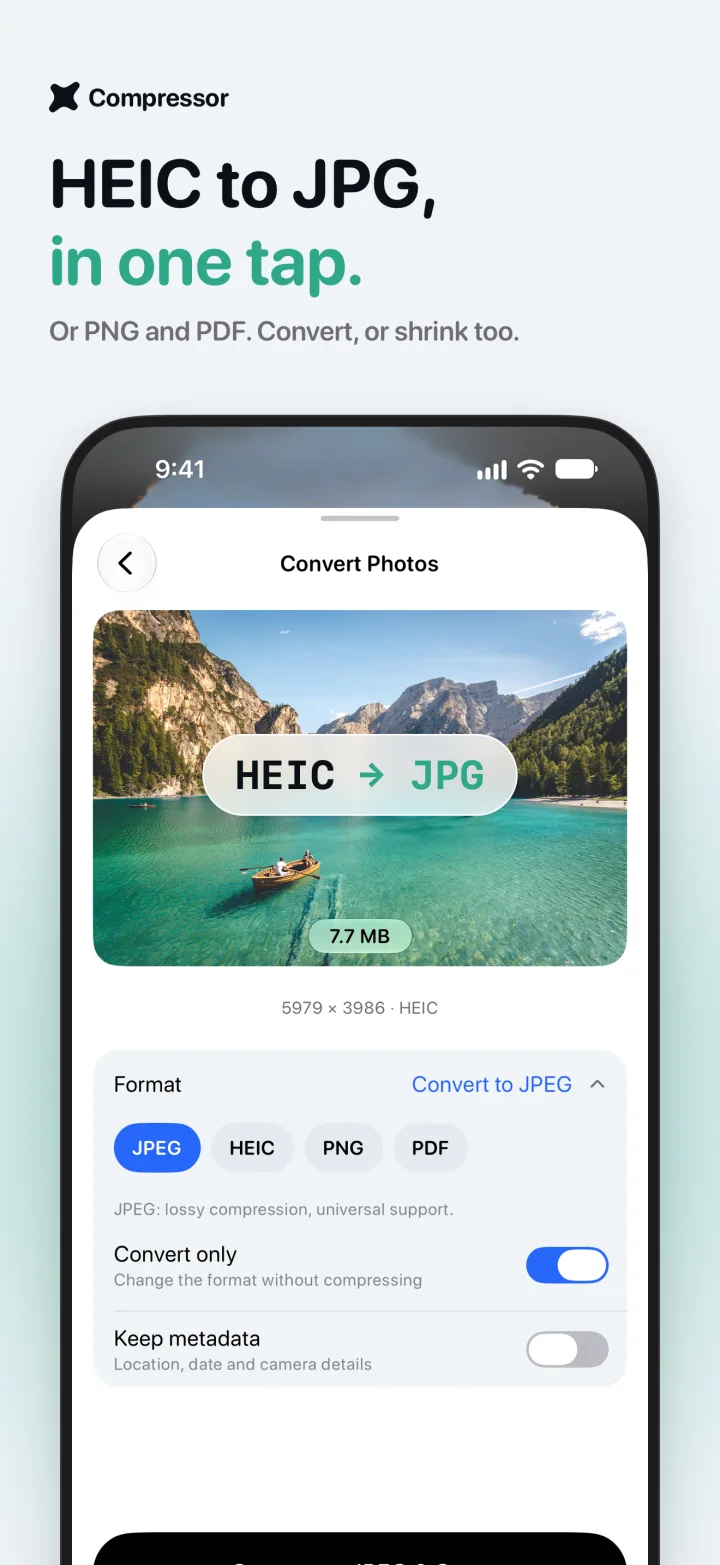
Need a JPG for a website that won’t take HEIC? Change the format, or convert without compressing at all.
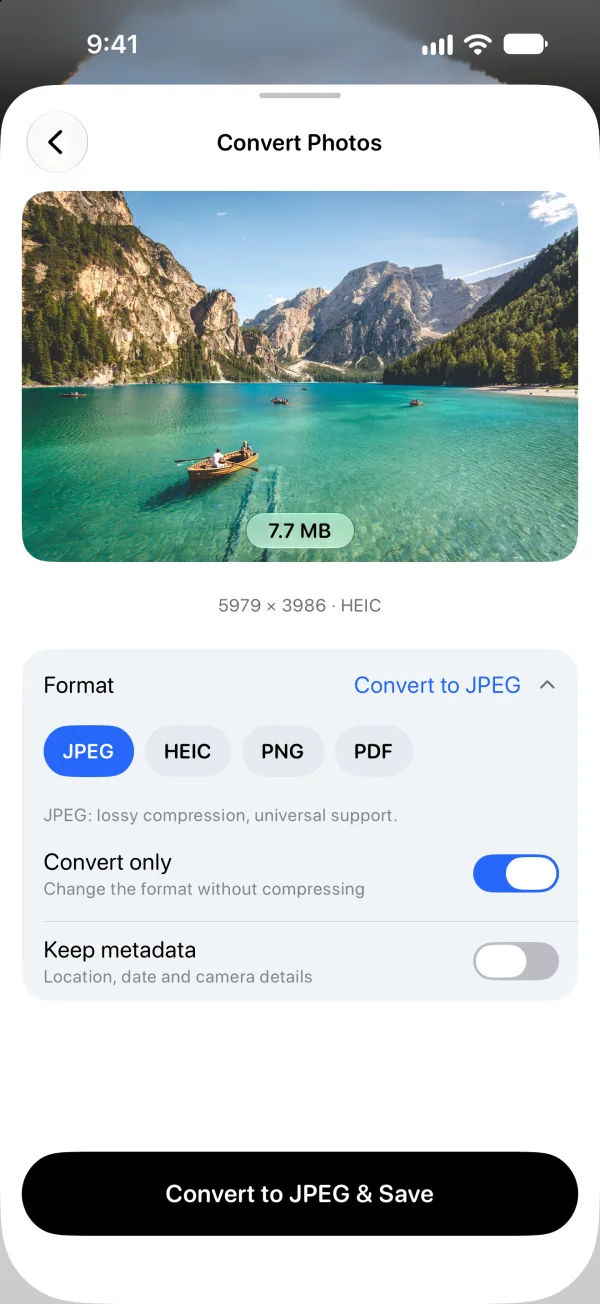
IMG_2041.HEIC → .JPG
Storage
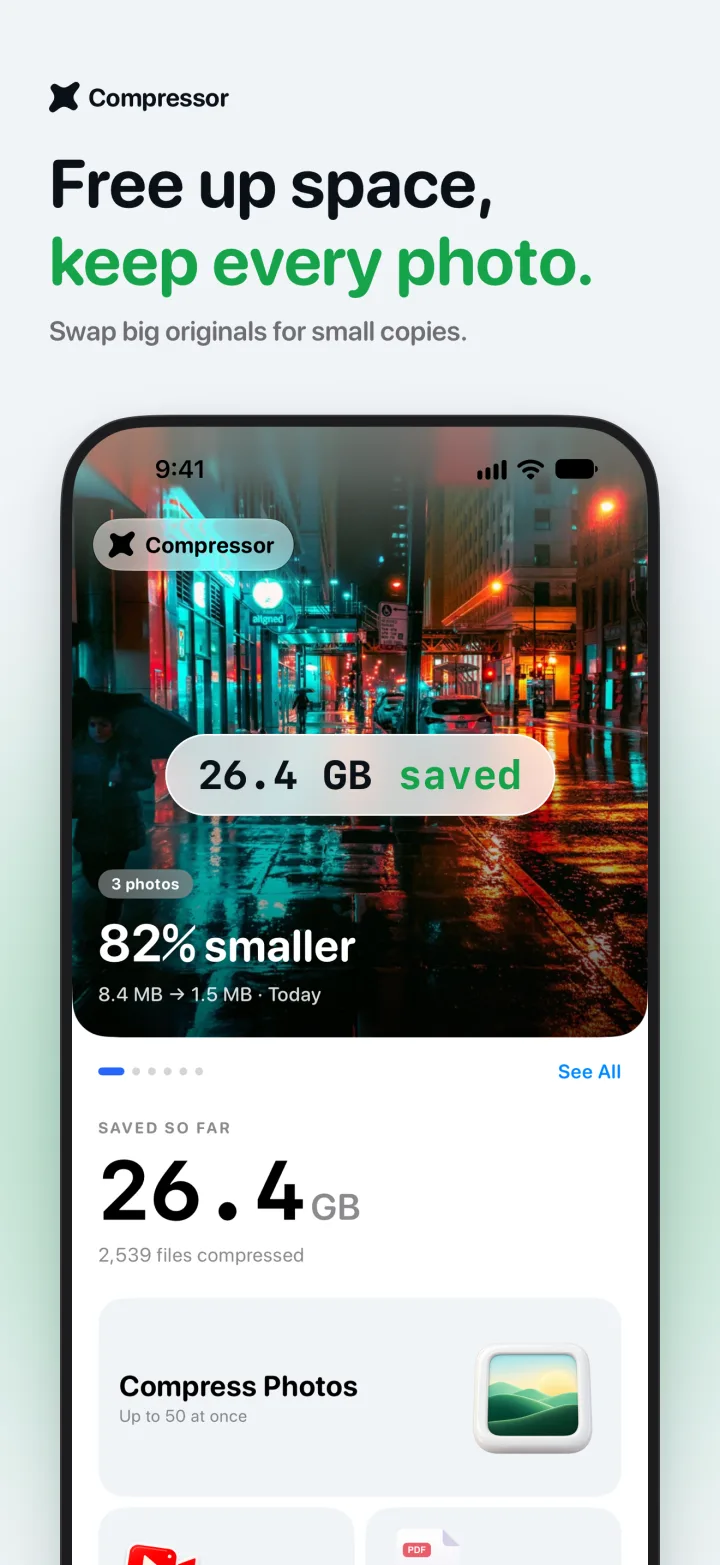
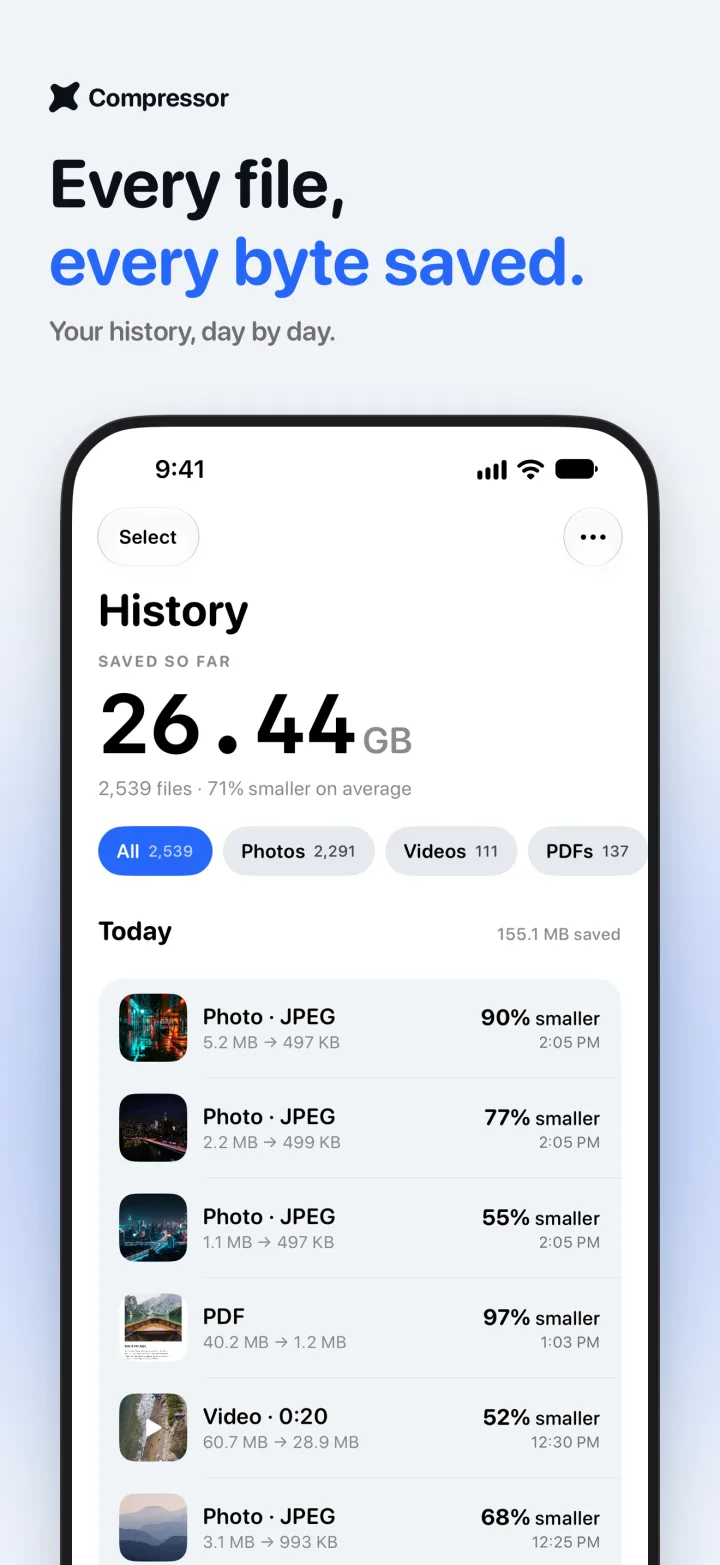
Home keeps a running total of everything you’ve saved, and your history keeps every file you compressed.
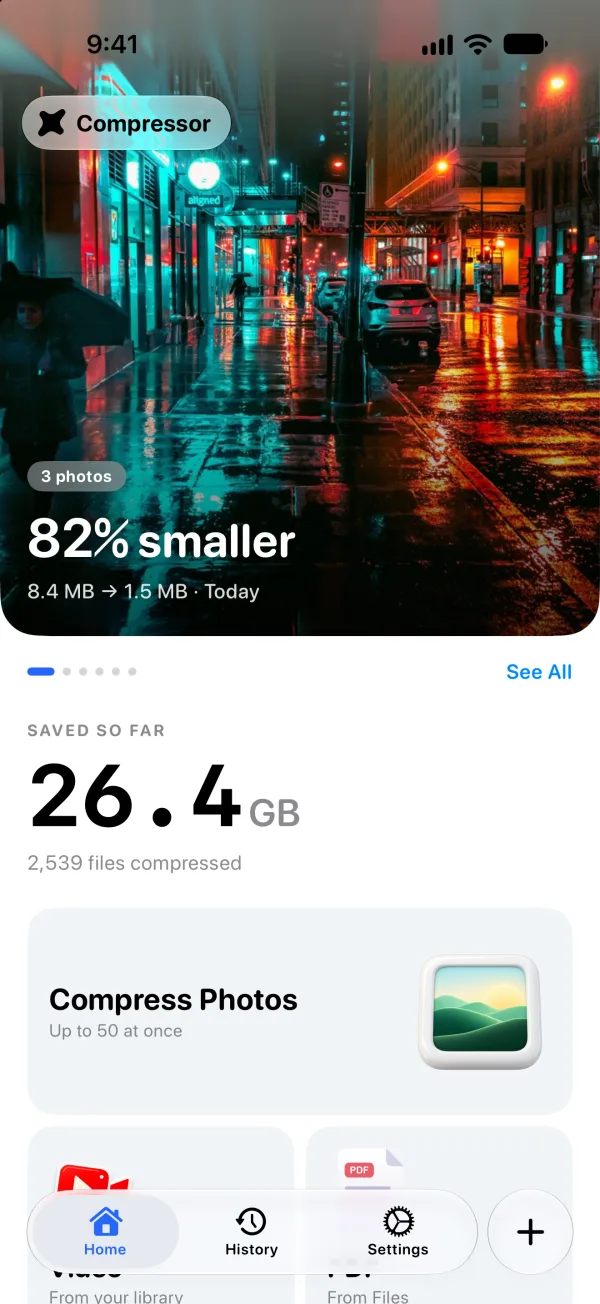
109.2 MB saved
Private by design
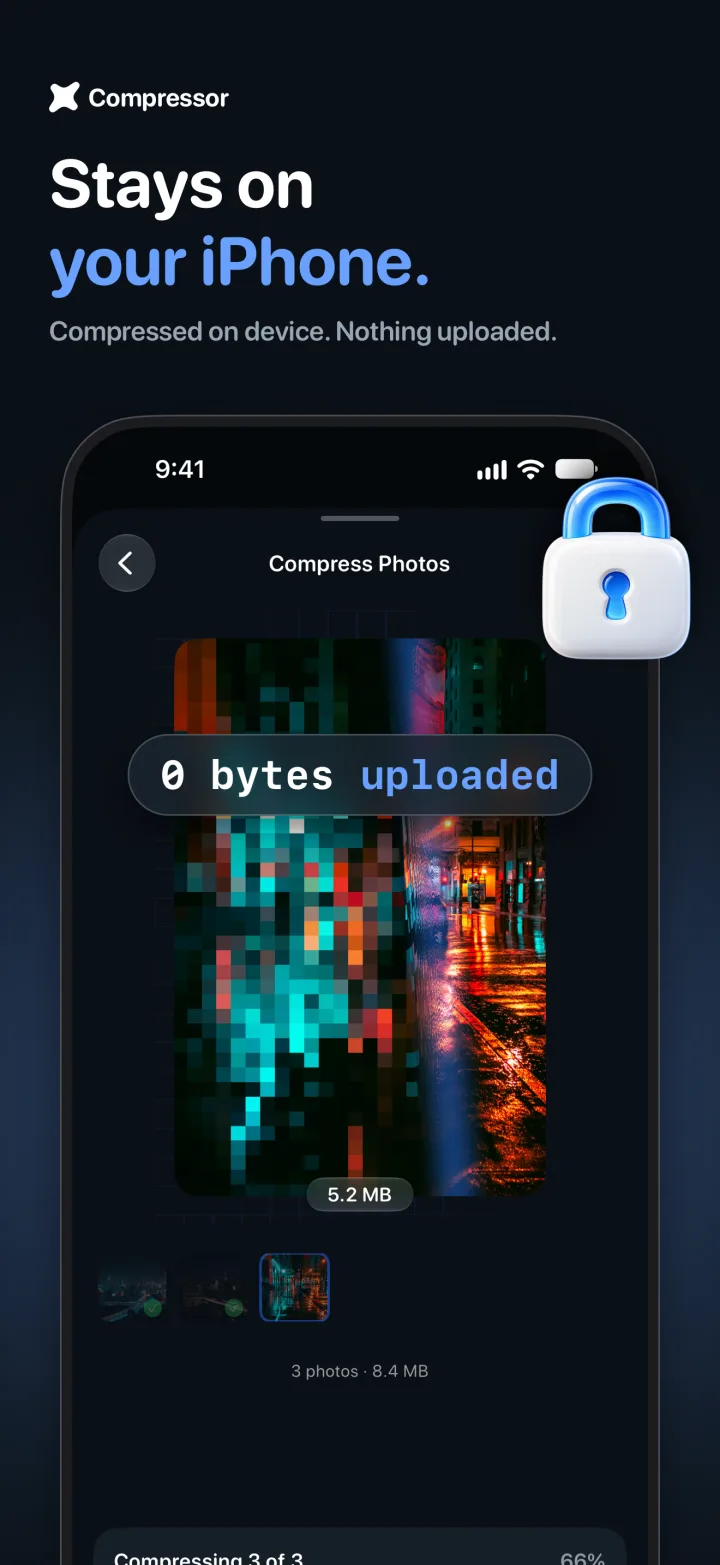
0 bytes uploaded
Your photos, videos and PDFs are never sent to a server. Not ours, not anyone’s.
On a plane, in the mountains, on a slow connection. It all runs on the device.
Nothing to sign up for. Your history syncs only through your own iCloud.
From the App Store
Pricing
Compressing a photo is free, as often as you like. Pro is there when you have a whole trip, a video or a stack of PDFs to shrink.
$0
Weekly, yearly or pay once
Everything in Free, plus
Prices are shown in the app in your local currency. Subscriptions renew until you cancel in your Apple Account settings. A one-time purchase never renews.
Questions
More answers on the support page.
Not in a way you can see. Smart quality looks at each photo and picks the smallest file that still looks the same. You can hold the photo after compressing to compare it with the original, and the original stays in your library until you choose to replace it.
No. Every photo, video and PDF is compressed on your iPhone or iPad, so it works offline too. Your compression history syncs only through your own iCloud.
Compress single photos as often as you like, change their format, and compress your first video and your first PDF. Pro adds batches of up to 50 photos, unlimited videos and PDFs, size limits like 500 KB or Email, custom dimensions, and your full history.
Photos in JPEG, HEIC and PNG, which you can save as JPEG, HEIC, PNG or PDF. Videos from your library, saved as H.264 or HEVC. And PDF documents, from scans to photo-heavy files.
Choose Size limit and pick 500 KB, 1 MB, 2 MB, Email or Discord. Compressor finds the best quality that fits under it. Size limits are part of Pro.
Only if you ask it to. Compressor saves a new copy. To free up space, turn on Delete original after saving in Settings; iOS asks you to confirm, and the originals stay in Recently Deleted for 30 days.
iPhone and iPad with iOS 17 or later. The app is available in 18 languages, including English, Spanish, French, German, Japanese, Korean, Chinese and Arabic.